7 Common Mistakes in Home Desk Setup and How to Fix Them
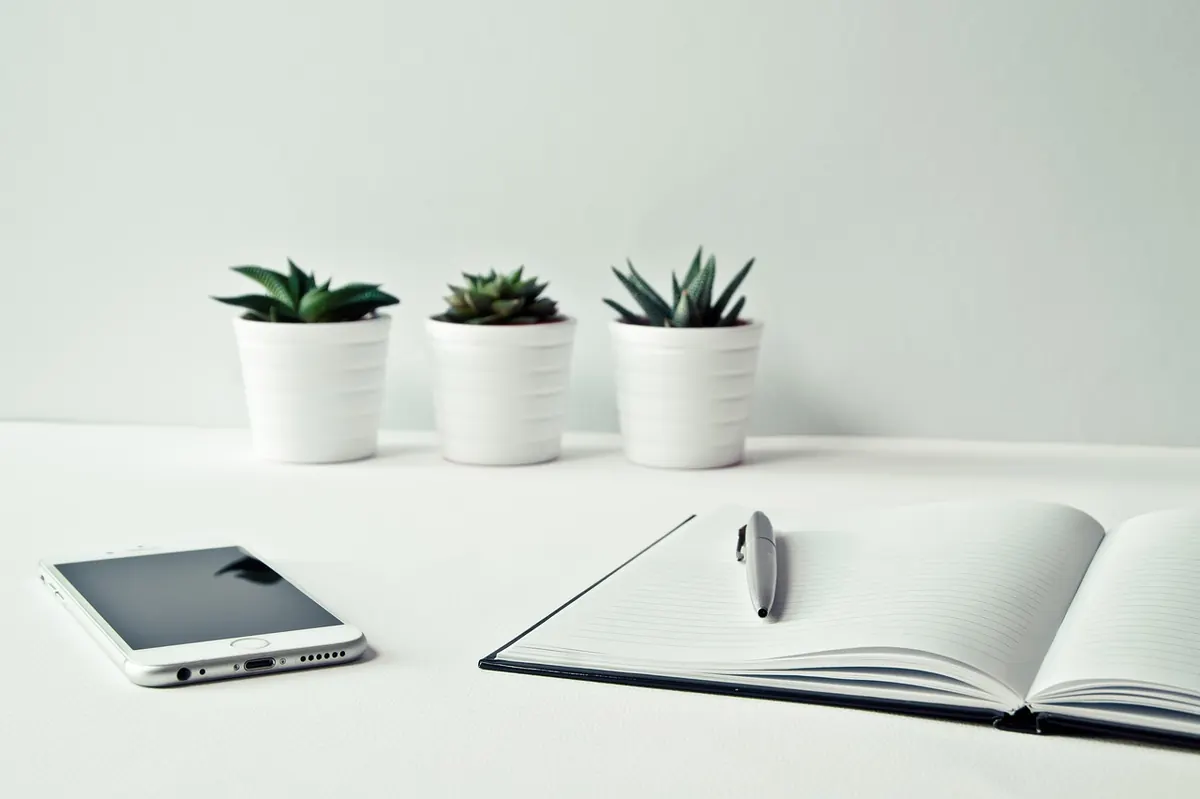
A home desk rarely fails in one dramatic moment. It fails in small, repeated frictions: the lamp that throws a shadow across your notebook, the pen cup just out of reach, the stack of paper that has no real home. You adjust, lean, squint, and move on—until the desk starts to feel like an obstacle course. The good news is that most of these problems are inexpensive to fix and easy to spot once you know what to look for. Here are seven common mistakes in a home desk setup, with practical ways to correct each one.
A single ceiling light can leave your desk bright in one spot and dim in another. If your monitor sits in front of a window, you may spend the day fighting glare. If you write or read paper at the desk, your own hand can cast a shadow over the page. These are not minor annoyances; they make you lean forward, tilt your head, and work harder than necessary.
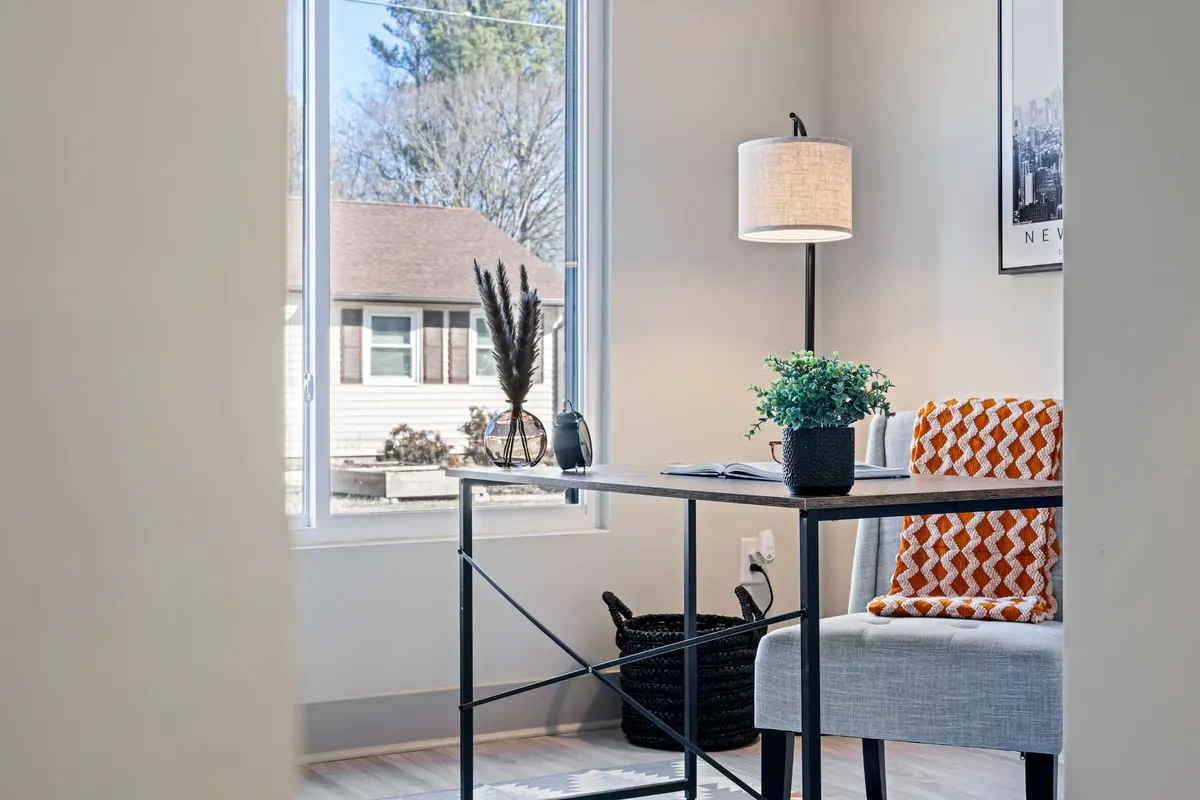
Start with a adjustable task lamp positioned to the side of your dominant hand—left side if you are right-handed, right side if you are left-handed—so the light falls across your work instead of being blocked by your hand. Keep the lamp below eye level to reduce glare. If possible, place the desk so the window is to your side rather than directly behind your screen or directly in front of it. A warm-neutral bulb is usually comfortable for both paper and screen work. If you frequently read small print or write by hand, a second small lamp or a brighter task light can help, but avoid pointing either one straight at your eyes.
Paper multiplies quietly. A receipt, a note, a printed page, a bill, a sketch—each one lands on the desk because it has no assigned place. Soon the surface is covered, and you start working in the few clear inches that remain. The fix is not to be tidier by willpower alone. The fix is to give each category of paper a destination.
Use a simple tray for incoming paper, a folder or binder for reference material, and a drawer or box for things you need only occasionally. Keep a small bin nearby for true rubbish and a separate tray for items that need action. For stationery, use a pen cup, a shallow drawer insert, or a small box—not a loose pile. A useful rule is that anything you touch every day stays on the desktop, anything you touch weekly goes in a drawer, and anything you touch rarely goes out of sight.
Sit in your chair and reach for your pen without leaning. If you have to stretch, twist, or move your shoulder, the pen cup is too far away. The same applies to your notebook, your phone, and your water glass. Frequent items should sit within a comfortable arc of your dominant hand. Less frequent items can live farther back or in a drawer. This is not about perfect symmetry; it is about reducing the small movements that interrupt your focus.
If you write by hand, leave a clear area in front of you for the notebook or loose paper. Put the pen cup slightly behind and to the side of your dominant hand so you can reach it without crossing your body. Keep the keyboard and mouse close enough that your elbows stay near your sides. A desk that looks balanced in a photograph can still be uncomfortable in use, so arrange it around your actual movements, not around a catalog image.
Start with your feet. They should rest flat on the floor or on a footrest, with your knees roughly at a right angle. Adjust the chair height first, then adjust the desk or your seating position. Your elbows should be close to your body and roughly level with the keyboard. The top of your screen should sit near eye level so you can look slightly down rather than up or down sharply. If you use a laptop for long periods, a riser plus a separate keyboard and mouse is often more comfortable than hunching over the built-in screen.
You do not need a new desk to improve this. A cushion, a folded blanket, or a firm footrest can change the angle of your hips and knees. A stack of books under a monitor can raise it to a better height, though a proper stand is more stable. Move the mouse closer. Lower the keyboard tray if your wrists bend upward. If you feel persistent pain, numbness, or eye strain, speak with a qualified health professional; the suggestions here are general ergonomic principles, not medical advice.
Loose cables make a desk feel unsettled even when the surface is clear. They snag on notebooks, pull small items off the edge, and collect dust. Use clips or ties to route cables along the back edge of the desk. Label the ones you unplug often. If you use a power strip, mount it under the desk or place it where you can reach it without crawling. A little cable control makes cleaning easier and reduces the chance of knocking over a pen cup or lamp.
Decide where paper enters your desk and where it leaves. A tray for incoming items, a folder for active projects, and a bin for recycling can handle most of it. Do a two-minute sort at the end of the day: file what you can, recycle what you do not need, and put the rest in the action tray. The goal is not an empty desk every night; it is a desk where paper does not become permanent scenery.
It is easy to collect notebooks, planners, pens, and sticky notes because they promise a fresh start. But too many options create a different problem: you are never sure which notebook holds the current list, which pen is for what, or where the project notes live. The stationery becomes decoration instead of a tool.
Before buying more supplies, define the few jobs your desk needs to do. Do you need one capture notebook for quick notes and one planner for dates? One folder for active paper and one archive box? A small set of pens you actually enjoy using? Once you know the workflow, buy supplies that support it and keep the rest out of reach. Ask yourself:
A desk does not stay usable by accident. It stays usable because someone resets it. At the end of the day, spend two minutes putting pens back in the cup, stacking loose paper in the action tray, and clearing cups or rubbish. This is not deep cleaning; it is a small handoff to your next working session. The next morning begins with a surface that is ready, not with a pile that needs sorting before you can think.
Once a week, check your supplies. Refill the pen you use most. Sharpen pencils. Replace the notebook if it is nearly full. Wipe the desk surface. Put away anything that has drifted into the wrong zone. A short weekly routine prevents the slow accumulation that makes a desk feel out of control. Keep the steps simple enough that you will actually do them.
You do not need to rebuild your entire office this weekend. Pick the mistake that costs you the most attention—probably the lighting, the clutter, or the tool placement—and fix that one first. Move the lamp. Give the paper a tray. Put the pen cup within reach. Then use the desk for a few days and notice what still feels awkward. A good home desk is not a showroom display; it is a working surface that supports the way you read, write, plan, and think. Adjust one small thing, then another, and let the desk become easier to use.
Photo: Curtis Adams / Pexels
Previous Post
The Beginner's Guide to Letter Writing with a Dip Pen
Next Post
Desk Decor Checklist for a Calm, Clutter-Free Workspace